Emergency Room Simulator Shift Prep Checklist
Run through this list before every session so settings never surprise you mid-code.
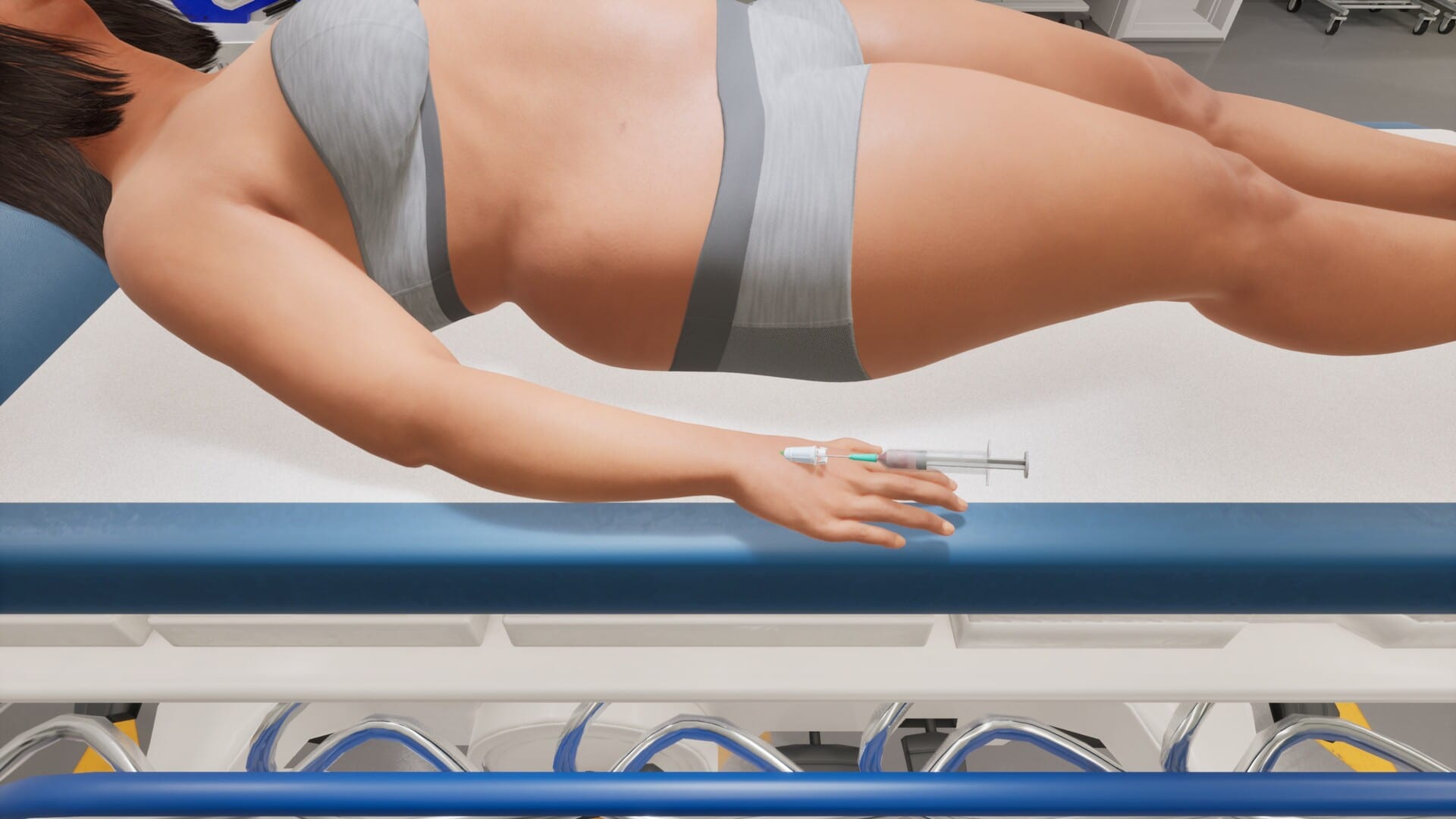
Real ER doctors prep before clock-in — sim players should too. Emergency Room Simulator punishes distraction: missed monitor beeps, wrong control prompts, and blurry UI text cause failures that feel like medical errors rather than game glitches. This shift prep checklist consolidates hardware, settings, and mental warmup steps from across the wiki into one printable routine.
Use it before your first August 13, 2026 session and before every hardcore shift afterward. Check boxes mentally if you are on console without a second monitor for this page.
Hardware and environment
- Meet specs — confirm 16 GB RAM, compatible GPU, 50 GB free (system requirements)
- SSD space — leave patch headroom beyond 50 GB
- Drivers updated — GPU and chipset within last month
- Power plan — Windows High Performance or laptop plugged in
- Temperature — clean vents; thermal throttle mimics bad triage luck
- Lighting — reduce glare on screen for reading chart text
Audio configuration
- Headphones on — monitor alarms directional audio may matter
- Chat ducked — Discord/Party volume below game SFX
- Subtitles — enable if briefing accents are unclear (English/German support)
- Compression test — play a loud sample; adjust so beeps never clip
Audio failures cause more “unfair” deaths than difficulty sliders in medical sims.
Controls and input
- Device chosen — mouse vs controller decided (PC controls / controller support)
- Bindings reviewed — no unset interact keys
- Dead zones — console sticks calibrated
- Steam Input profile — loaded for non-Xbox pads
- Pause key known — locate before emergencies, not during
Display and accessibility
- Resolution native — avoid odd scaling that shrinks UI
- UI scale — bump if reading vitals strains eyes
- FPS stable — cap if tearing causes mouse jitter
- Colorblind modes — enable if offered at launch
- Photosensitivity — disable flash effects if epilepsy concerns
Mental warmup (five minutes)
- Skim triage priorities red/yellow/green model
- Recite CPR tempo 100–120 bpm (emergency procedures)
- Pick one differential drill (chest pain, abdominal pain, SOB) from diagnosis workflow
- Set session goal — “finish two cases cleanly” beats “speedrun hospital”
Session logistics
- Hydration — long sim nights dehydrate; keep water away from keyboard
- Break timer — 10-minute pause each hour prevents fatigue errors
- Save/scenario state — know if mid-shift quit is safe (confirm post-launch)
- Patch notes read — quick scan of Updates for control changes
Streamers and content creators
- Capture codec tested — NVENC/AMF at stable bitrate
- Overlay minimal — do not cover monitor widgets
- Spoiler policy — story cases may need delay
- Wiki credit — link Guides hub for community builds
Post-shift review
- Note one mistake — mis-order, late ECG, chart gap
- Update personal binding notes if misclicks repeated
- File bug reports on official forums linked from Links with repro steps
Related resources
- First-shift guide
- Tools hub
- Release roadmap — launch night timing
- Pre-release preview — feature expectations
Frequently Asked Questions
Quick answers to the most common questions.
How long does prep take?
Five to ten minutes after your first setup. Launch day may take longer while downloading 50 GB.
Is checklist needed on console?
Yes — skip PC driver lines, keep audio, controls, and mental warmup sections.
Can I skip prep on easy cases?
You can, but emergencies often interrupt easy cases. Habits matter more than difficulty.
Where are PC specs?
See [system requirements](/tools/system-requirements/) for full tables.