Emergency Room Simulator Tools & References
Hardware checks and shift prep utilities for Emergency Room Simulator players.
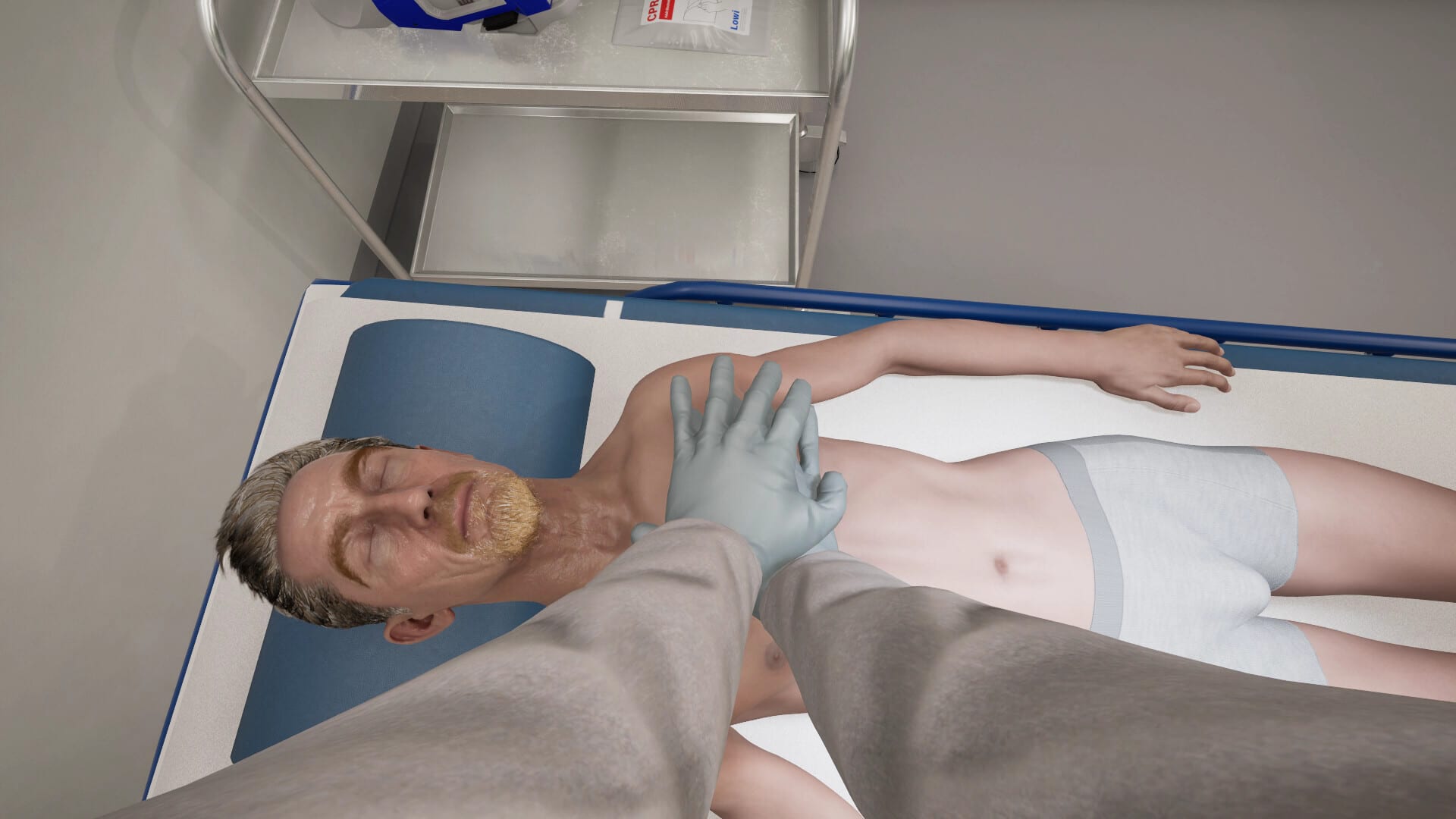
Not every player question needs a narrative guide. Sometimes you want a spec table you can skim in ten seconds, or a checklist you can print before a night shift. The tools hub hosts reference pages that complement the guides section without duplicating walkthrough prose.
Emergency Room Simulator demands steady framerates during CPR and imaging minigames — stutter costs more here than in a turn-based tycoon. Use the resources below before August 13, 2026 and revisit them if patch notes change hardware guidance.
System requirements reference
The system requirements page copies Steam minimum and recommended specs into wiki tables: CPU, RAM, GPU, DirectX 12, storage, and network. We explain what each line means for 1080p vs 1440p, why 16 GB RAM is listed, and when console versions remove PC anxiety entirely.
Pair this page with PC controls after you verify your build.
Platform comparison
The platform comparison page breaks down PC vs PS5 vs Xbox Series X|S for the August 13, 2026 launch: storage, controller support, language options, and which store page is live today. Read it before you buy on the wrong platform or upgrade GPU unnecessarily.
Shift prep checklist
The shift prep checklist is a structured pre-session routine: audio levels for monitor alarms, controller vs mouse choice, display scaling for UI text, break planning for long sessions, and links to triage and emergency procedures refreshers.
Speedrunners and role-play streamers use the same list — consistency beats heroics when patients stack up.
Why these are “tools” not guides
Guides teach decision-making; tools reduce friction. If you are hunting how to diagnose chest pain, read diagnosis workflow. If you need to know whether a GTX 1060 still clears minimum spec in 2026, open system requirements.
Future utilities
Post-launch we may add interactive helpers — for example, a triage priority quick-reference or a patch diff viewer — when community demand and verified data support them. Suggestions belong in community discussions linked from Official links, not unverified comment spam.
Related pages
- Release roadmap — launch timing
- Controller support — gamepad setup
- Pre-release preview — feature expectations
- Updates hub — when specs or performance patches drop
Frequently Asked Questions
Quick answers to the most common questions.
Is there an in-wiki system requirements checker?
The [system requirements page](/tools/system-requirements/) provides full tables and interpretation tips. An interactive auto-detect tool may come post-launch if feasible.
Can I use the checklist on console?
Yes. Skip PC-specific lines and focus on audio, breaks, and control comfort sections in the [shift prep checklist](/tools/shift-prep-checklist/).
Will tools replace guides?
No. Tools are quick references; guides explain gameplay systems in depth.
Do tools update after patches?
Yes. When Steam changes listed specs or storage size, we update the requirements page and note it in [Updates](/updates/).