Emergency Room Simulator Medical Equipment & Diagnostics
Know what each machine does before you order tests under triage pressure.
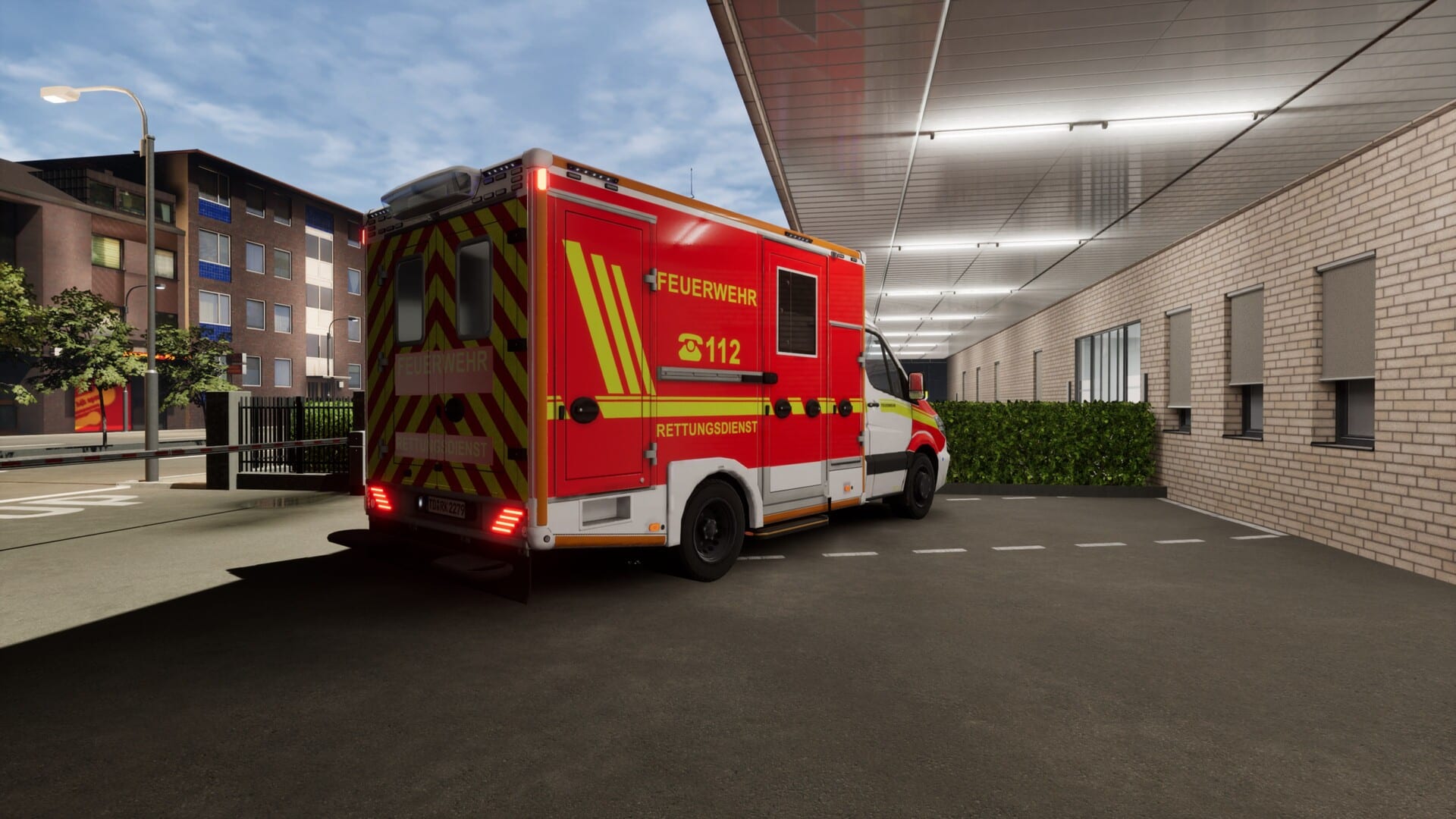
Emergency Room Simulator advertises an authentic ER setting filled with realistic medical equipment — from trauma bay first response to bedside monitoring. Players who understand each tool’s purpose order smarter tests, spend less time in menus, and avoid the shotgun diagnostics that fail triage scenarios.
This equipment guide maps Steam-listed modalities to clinical questions they answer and gameplay habits that keep shifts flowing. Pair it with the diagnosis workflow for when to order, and triage priorities for when to skip slow tests.
Bedside monitors and vitals
Continuous monitoring is your earliest warning system:
- Heart rate and rhythm — triggers ECG when irregular or symptomatic
- Blood pressure — trend matters more than single reading
- SpO2 — guides oxygen and workup for pulmonary embolism, pneumonia, COPD exacerbation
- Temperature — fever pathways toward sepsis workups
Calibrate alarm volume during shift prep so you hear trends before UI pop-ups.
Electrocardiogram (ECG)
ECGs are fast, non-invasive, and mandatory in many chest pain pathways. In-game uses likely include:
- Chest pain, palpitations, syncope
- Toxic ingestion screens if scenarios include QT changes
- Pre-procedure baselines
Order early; waiting on ECG while treating musculoskeletal chest wall pain is a classic fail pattern.
X-ray imaging
Plain radiographs excel at:
- Fractures and dislocations after trauma
- Pneumothorax or large effusions
- Foreign body localization in some presentations
They are slower than vitals but faster than CT — good for stable trauma after primary survey.
Computed tomography (CT)
CT offers detailed cross-sections at the cost of time and sometimes simulated radiation consent prompts. Use when:
- Internal injury suspected after major mechanism
- Acute abdomen with peritoneal signs
- Neurologic deficit needing structural rule-out
Avoid CT spam on stable patients when triage priorities demand throughput.
Ultrasound
Bedside ultrasound (if fully simulated) supports:
- FAST exams in trauma
- OB-related complaints if included
- Guided procedures in advanced scenarios
Ultrasound may be quicker than CT for specific questions — read scenario tooltips carefully at launch.
Laboratory blood tests
Blood panels answer metabolic and infectious questions:
| Panel type | Typical questions |
|---|---|
| CBC | Infection, anemia, bleeding risk |
| BMP / electrolytes | Renal function, glucose, sodium emergencies |
| Cardiac enzymes | ACS workup complementing ECG |
| Coags | Before procedures, anticoagulant patients |
| Lactate | Sepsis severity if modeled |
Batch orders thoughtfully — duplicate draws waste time in sim scoring.
Treatment tools: medication, suturing, bandaging
Promotional copy mentions administer medication, stitch wounds, apply bandages with realistic procedure steps. Expect contextual minigames:
- Medication — correct drug, route, dose; check allergies in patient chart
- Sutures — hemostasis first; cosmetic perfection matters less than stability
- Bandages and splints — immobilize before transport narratives
Procedure controls may differ on console — see console controls.
Crash cart and resuscitation equipment
During codes, equipment overlaps with the emergency procedures guide:
- Defibrillator pads and charging cycles
- Airway adjuncts
- Emergency meds drawer
Locate crash cart interaction points during your first calm shift so you are not pan-searching during CPR.
Equipment learning path
- Learn monitors + ECG (fast, high yield)
- Add X-ray and core labs
- Layer CT/ultrasound for complex cases
- Practice procedure minigames on stable patients before emergencies combine them
Authentic setting navigation
The sim promises a detailed hospital environment. Expect travel time between trauma bay, imaging, and bedside — factor movement into triage decisions. Efficient pathing may be a hidden skill; note layouts during tutorial shifts post-launch.
Related pages
- Diagnosis workflow
- Emergency procedures
- First-shift guide
- System requirements — GPU load during imaging UI
Frequently Asked Questions
Quick answers to the most common questions.
Do I operate every machine manually?
Expect hybrid design — some tests auto-process once ordered, others use interaction minigames.
Can tests be wrong or false negatives?
Unknown pre-launch. If simulated, factor clinical correlation into the [diagnosis workflow](/guides/diagnosis-workflow/).
Is radiation or consent modeled?
Not confirmed. Watch tutorial prompts on release day.
Where are controls for procedures?
See [PC controls](/controls/pc-controls/) and [controller support](/controls/controller-support/).